
Last updated October 8, 2026
Free on-site gate assessment - hinges, posts, and your LiftMaster or Nice gate operator checked before anything is quoted
The assessment is free and the quote is the invoice.

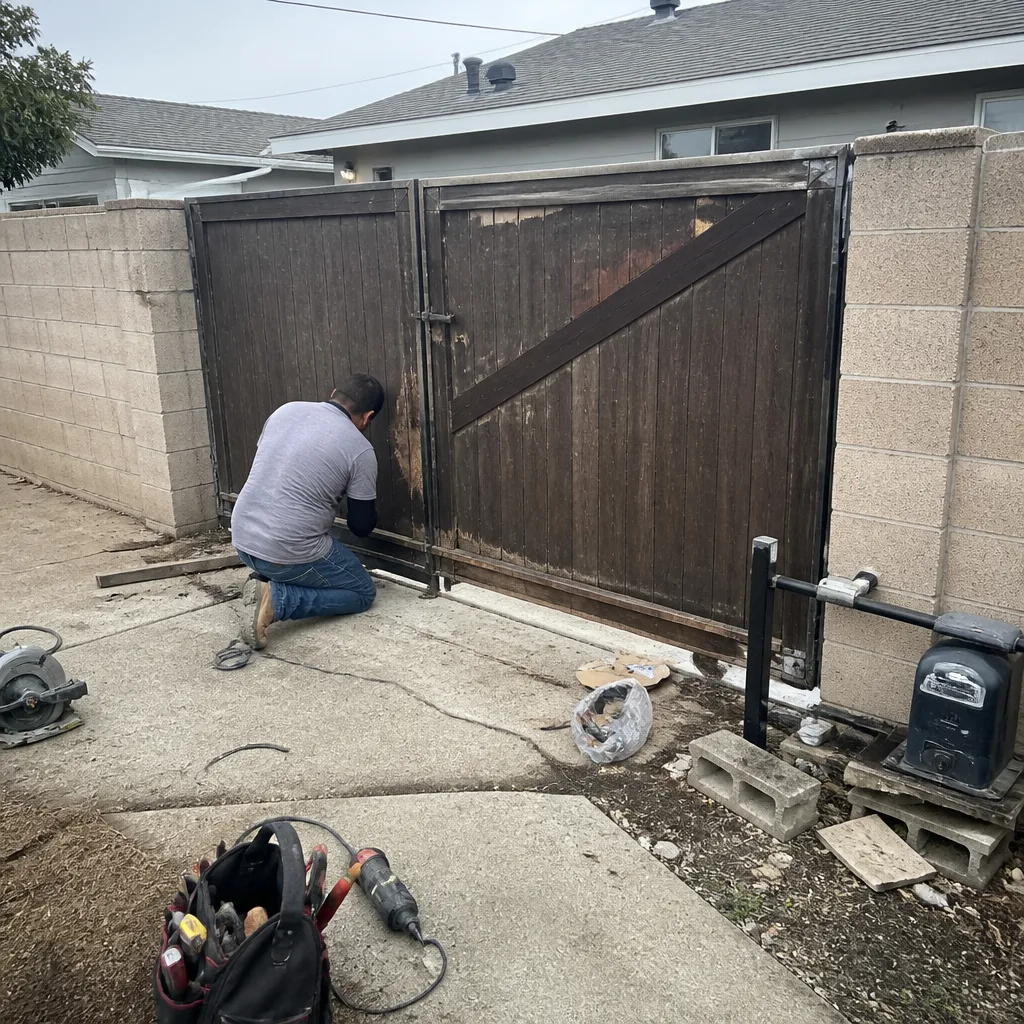 Before
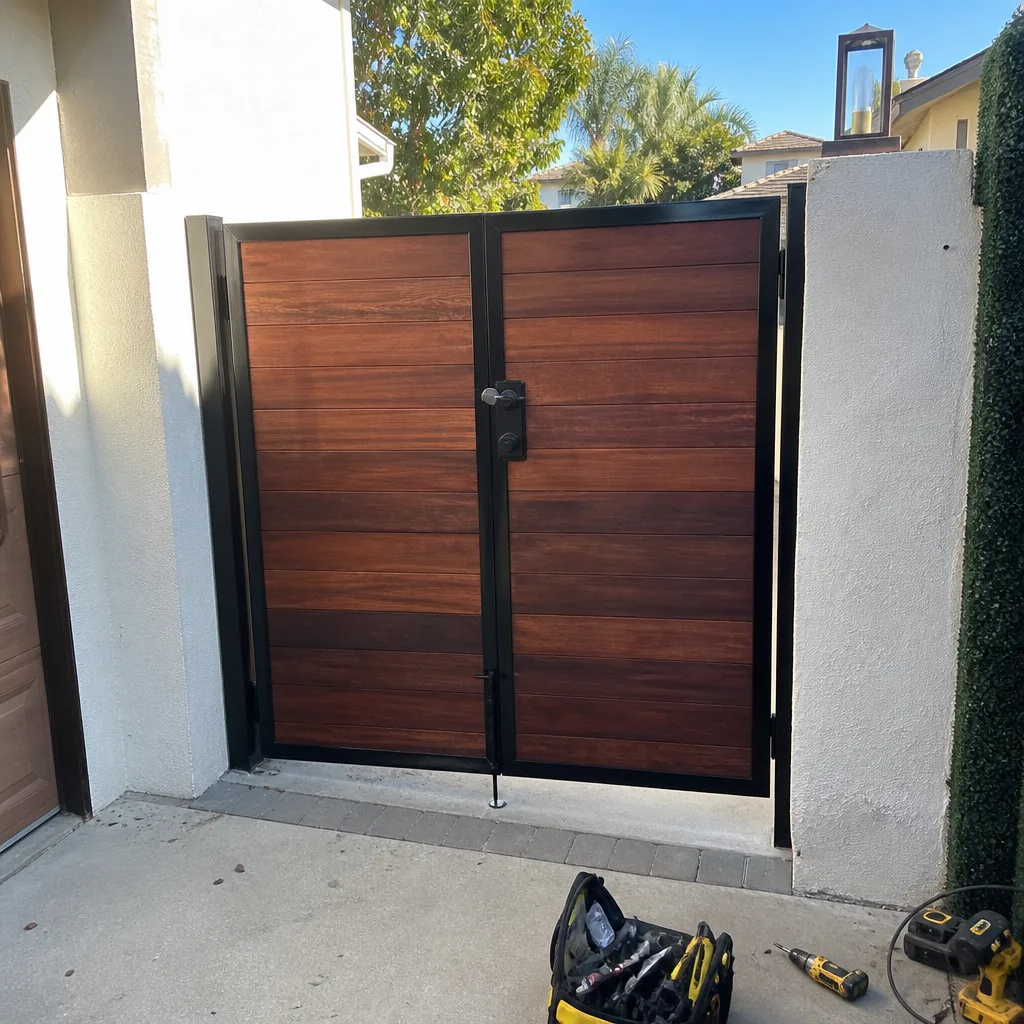 After
After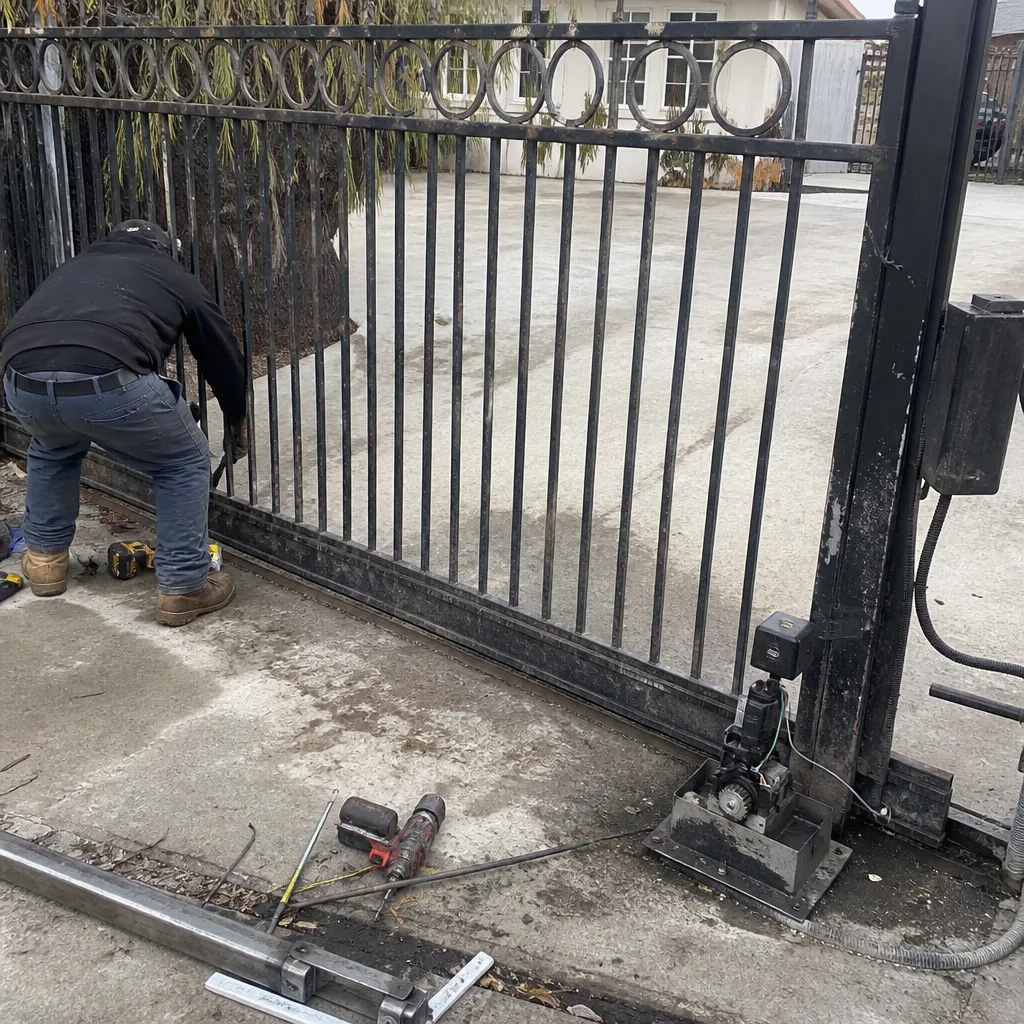 Before
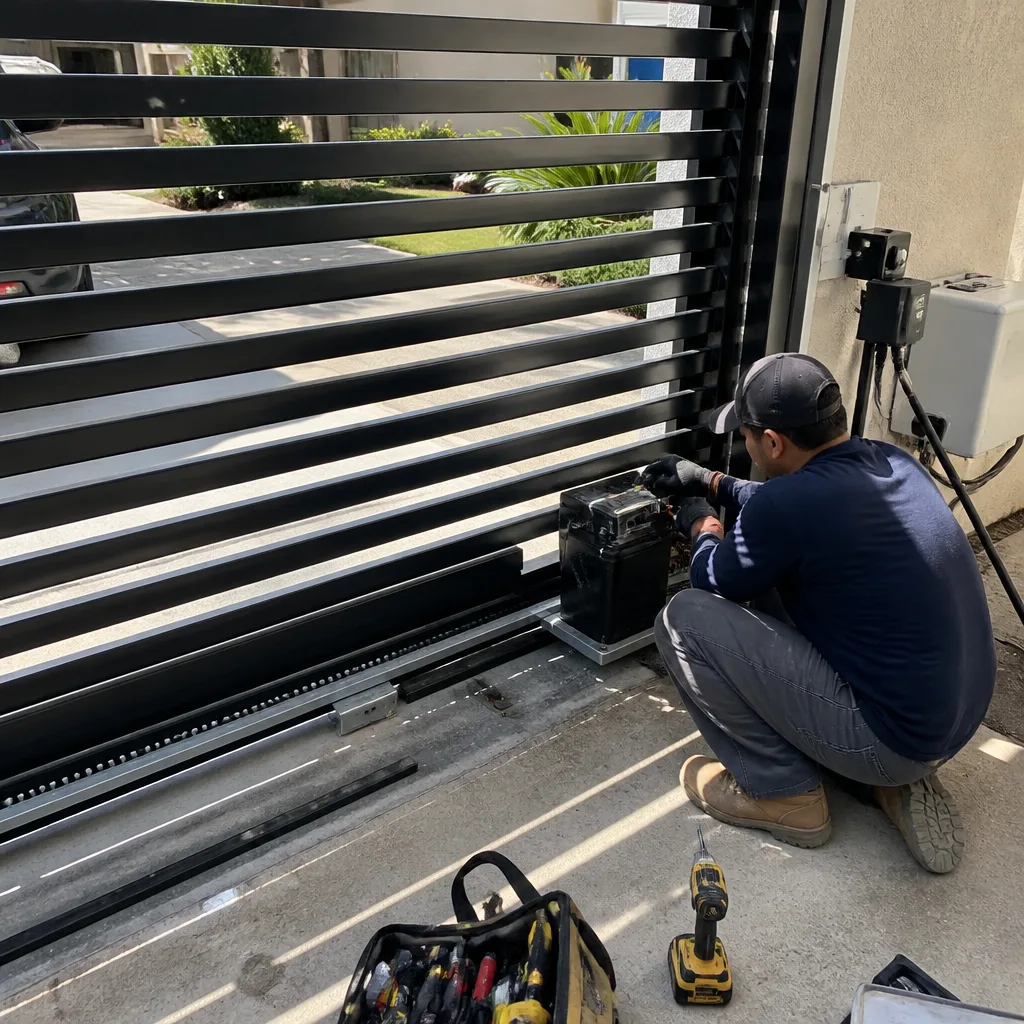 After
After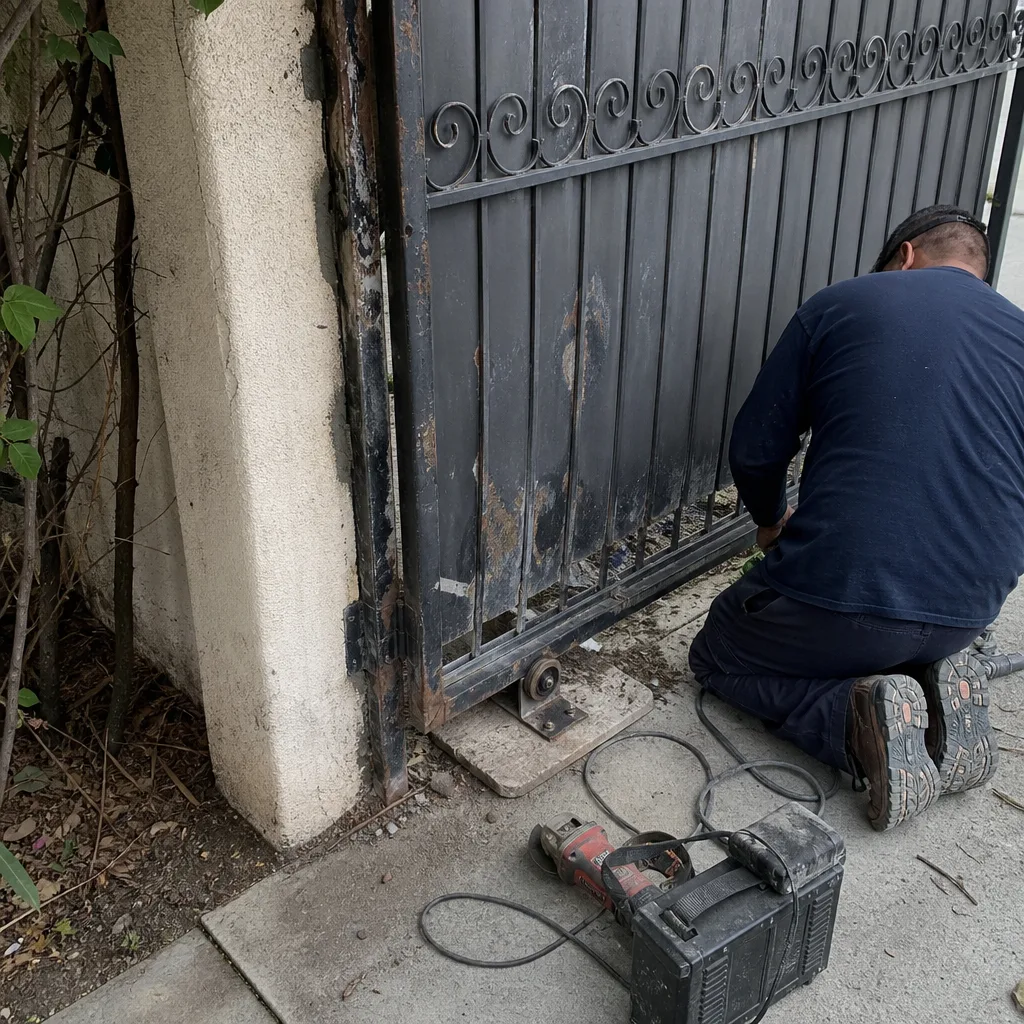 Before
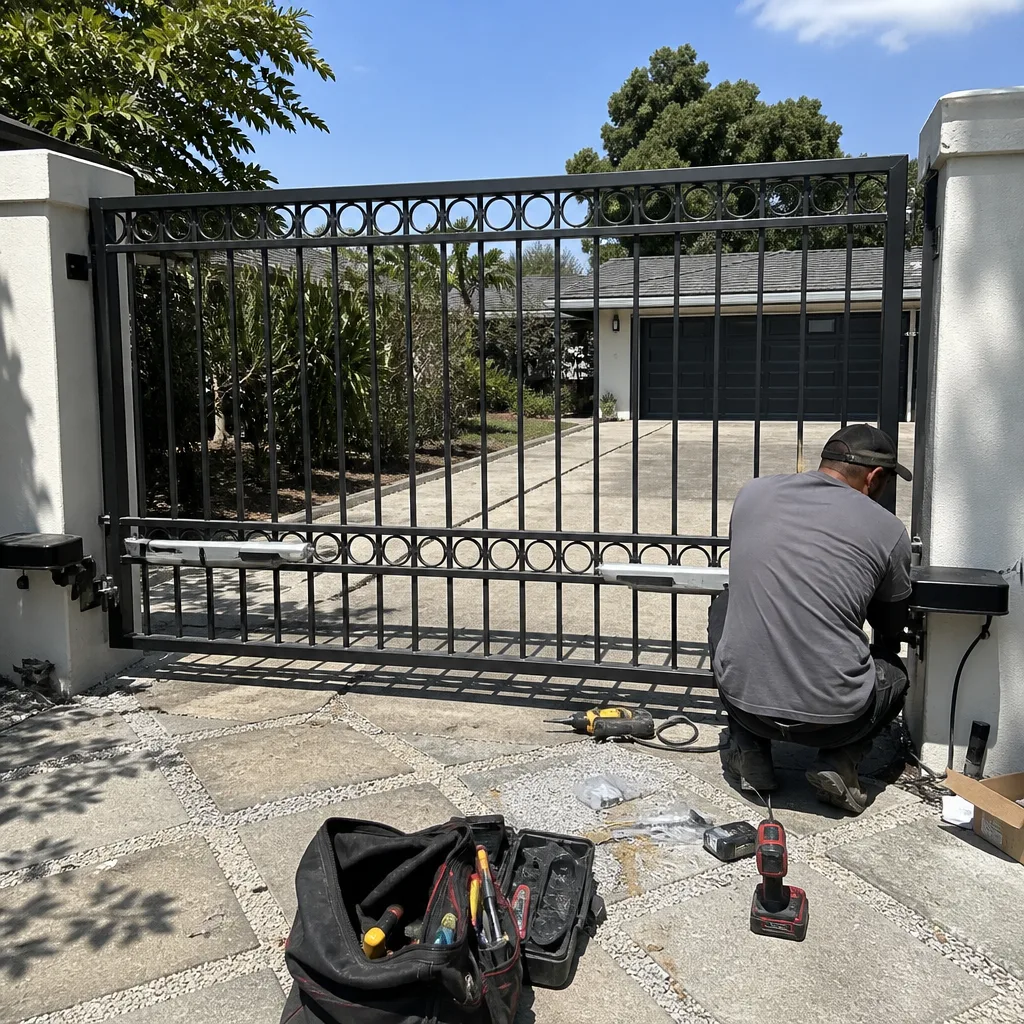 After
AfterElectric Gate Repair Troubleshooting: Common Problems and How to Fix Them
Here’s a statistic we’ve learned from sixteen years of gate work across Los Angeles: roughly seven out of ten electric gate service calls are not motor failures. Not even close. Most are alignment issues, photo-eye interruptions, depleted remote batteries, or a limit switch that drifted a quarter inch. A gate that reverses three inches after starting almost never has a motor problem - it has a photo-eye problem, and the fix is often as simple as wiping a spider web off the sensor lens, something that takes 30 seconds and costs nothing. This guide treats the gate as a circuit to read, not a machine to fear. You’ll learn to sort every symptom into one of four patterns, rule out the safe causes yourself, and know exactly when to stop and call someone.
Quick Answer
Most electric gate failures in Los Angeles fall into four symptom patterns: the gate won’t move at all, it moves partway and stops, it moves but won’t latch or close fully, or it reverses immediately after starting. Each pattern points to a short list of causes you can test in minutes - starting with power, remotes, photo-eyes, and the manual release. If the gate grinds or resists when moved by hand, stop testing and call a technician, because that points to a mechanical problem in the operator or track.
Table of Contents
- Symptom 1: The Gate Won’t Move at All
- Symptom 2: The Gate Moves Partway and Stops
- Symptom 3: The Gate Moves but Won’t Latch or Close
- Symptom 4: The Gate Reverses Immediately After Starting
- How to Read Your Gate’s Diagnostic Lights and Beep Codes
- The Manual Release Test: Electrical vs. Mechanical in One Step
- When a “Problem” Is the Safety System Working Correctly
- Common Mistakes to Avoid
- When to Call a Professional
- Frequently Asked Questions
Symptom 1: The Gate Won’t Move at All
A completely dead gate is the least diagnostic symptom you can have, which also makes it the most frustrating. Before assuming the operator failed, work through power and signal in that order. In our experience across Los Angeles properties, a silent gate is usually a tripped GFCI outlet, a power strip someone unplugged, or a transformer that got wet during a winter rain. The motor itself rarely dies without warning - there’s almost always weeks of slower operation or odd sounds first.
Safe to investigate yourself:
- Check the outlet. Most residential gate operators in Los Angeles plug into a standard 120V outlet, often on the garage wall nearest the gate motor. Press the reset button on any GFCI outlet in that area. Test the outlet with a lamp or phone charger to confirm it has power.
- Check the breaker. Gate circuits are sometimes on their own breaker. Look for a flipped breaker in your main panel. If it trips again immediately after resetting, do not keep resetting it - that signals a short and needs a professional.
- Try the manual remote. Stand within 15 feet of the operator and press the button. If it works from close range but not from the street or your car, you have a range or antenna issue, not a dead gate.
- Inspect the transformer. Low-voltage systems (common on Ghost Controls and Mighty Mule units) use a plug-in transformer. If it’s warm to the touch or the LED is off, it may have failed. A replacement transformer is a low-cost fix, but you want a technician to match the voltage exactly.
Stop and call a technician:
- The breaker trips repeatedly, or the outlet smells scorched.
- You hear a hum from the operator but the gate doesn’t move. This can indicate a seized gearbox or a capacitor holding charge - and capacitors in gate operators can store dangerous voltage even after the unit is unplugged.
- Water has pooled inside the operator housing. Do not reach into a wet operator box to reset anything.
The good news is that a no-movement symptom is often the simplest fix. Before you call anyone, grab a remote you haven’t used in a while and stand closer than you normally would. That one test rules out half the explanations.
Symptom 2: The Gate Moves Partway and Stops
A gate that starts, travels a few feet, and then stops or hesitates tells you the operator has power and the motor spins. The problem is almost always in the travel limits, the sensitivity settings, or a physical obstruction in the track. On older DoorKing and Elite operators in Los Angeles, we regularly replace limit switches that have simply worn down from years of the gate stopping against the same point. Follow our Gate Installation Maintenance Schedule: What to Do and When to catch this early.
Where to look first:
- Physical obstruction. Slide gates are notorious for collecting gravel, leaves, and small toys in the track. In neighborhoods with older street trees, root growth can shift the track just enough to bind the gate partway through its travel. Walk the full length of the track and look for anything raised or wedged.
- Limit switch drift. Most operators use mechanical or magnetic limit switches that tell the motor where to stop. If vibration loosens a screw, the limit point moves. The gate may stop short, or worse, overtravel and strain against the end stop every cycle.
- Sensitivity dial or obstruction sensor. Many modern operators include an auto-reverse feature tied to a sensitivity dial. If the dial is set too low, the gate interprets normal friction as an obstruction and stops as a safety precaution.
One test that saves you a service call:
- Put the gate in manual release mode (the red T-handle or keyed disconnect on the side of the operator).
- Push the gate by hand along its full travel. It should move smoothly with light, even resistance on level ground.
- If it binds at a specific point, you’ve found a mechanical problem in the track or wheels - not an electrical one. Clean the track, check for shifted ground, and if it still binds, call for a track adjustment.
Los Angeles hillside homes add an extra variable here. On sloped driveways, gates run heavier and operators work harder. That increased load wears limit switches faster than flat sites, and it makes precise sensitivity adjustment more important. If your gate has always worked harder going uphill than down, mention that when you call a technician - it changes where they look first.
Symptom 3: The Gate Moves but Won’t Latch or Close
A gate that travels the full distance but won’t stay - it bounces back, won’t latch, or leaves a gap - often has nothing wrong with the operator at all. The problem is in the physical closing hardware: the latch, the post alignment, or the magnetic lock if your system has one. This is the symptom most connected to our company’s name. Every gate comes down to two parts - the latch that holds it and the post that carries it.
What to check before calling:
- Post lean. In Los Angeles clay soil, posts shift with moisture. A post that’s moved half an inch out of plumb throws off the latch alignment. Stand back and sight down the gate line. If the gap at the top differs from the gap at the bottom, the post has moved.
- Gate sag. Hinges wear, especially on heavier steel gates. If the gate drags at the latch side or the latch tongue no longer lines up with the keep, the gate has dropped. Some hinges have adjustable pins; others need replacement.
- Latch mechanism wear. Spring-loaded latches on automated gates are often secondary to the operator - they’re there to hold the gate closed against wind and keep pets from nosing through. If the spring has fatigued or the tongue is bent, the latch won’t engage even though the gate stops exactly where it should.
- Magnetic or solenoid lock. If your gate uses a mag lock, check for debris between the armature plate and the magnet. Even a small stone or a build-up of dust can break the holding force enough for the gate to drift open.
What this symptom tells you:
The operator is ending the travel cycle correctly, which means the motor, limits, and control board are functioning. If you replace a latch yourself, most standard gate-latch replacements run between $45 and $150 for the part depending on material - and if you call Latch & Post, you’ll see the exact number in writing before anything is touched. That matters when you’re deciding between a $20 DIY fix and a technician visit.
Symptom 4: The Gate Reverses Immediately After Starting
This is the symptom that generates the most unnecessary operator replacements in Los Angeles. A gate that starts, moves three to six inches, and reverses instantly is almost never a motor problem - it’s a safety sensor problem. See Electric Gate Repair Warning Signs Every Homeowner Should Know for related symptoms. The operator is behaving exactly as designed - it’s receiving a signal that something is in the path, and it’s refusing to close on it.
The 30-second fix that solves more than half of these calls:
- Find the photo-eyes. They’re the paired sensors, one on each side of the gate opening, usually mounted low on the posts.
- Wipe the lens on each sensor. Spider webs, leaf debris, and the fine dust that blows across Los Angeles driveways all sit on the lens and break the beam.
- Check alignment. If one sensor has been bumped by a trash can, a car bumper, or a gardener’s leaf blower, it’s now aimed slightly off. Many sensors have a small LED that illuminates when aligned - adjust until it lights steadily.
- Test the gate.
On systems with a closing beam interrupted, the operator may only refuse to close - open travel works normally. If your gate opens fine but won’t close, photo-eyes and loop detectors are the two first suspects. On a Mighty Mule or Ghost Controls system, a reversed polarity or disconnected sensor wire reads the same as a blocked beam, which is why many DIY remote-install attempts end with a gate that opens and immediately stops.
When reversal is not a sensor issue:
- If the gate reverses at the same point every time and there’s no obstruction, the obstruction sensitivity setting is too high. The operator is reading normal resistance - a stiff bearing, a slow wheel, a hot day making the metal expand - as a blocked path.
- If the gate slams open hard and reverses without any sensor fault, the control board may need a professional diagnosis. Don’t open the housing to inspect the board. Some boards on DoorKing and Elite operators interface directly with line-voltage wiring.
How to Read Your Gate’s Diagnostic Lights and Beep Codes
Modern gate operators - especially LiftMaster and Elite units - use onboard diagnostics that most Los Angeles homeowners never notice. A row of small LEDs on the control board, or a pattern of beeps from the built-in buzzer, tells you what the operator thinks is wrong. Reading that pattern is faster than guessing.
What you’re looking at:
- Solid green LED - the operator has power and the board is functioning. Start looking elsewhere for the problem.
- Blinking red or amber LED - the operator has detected a fault. The blink count corresponds to a specific error on most LiftMaster boards: two blinks for a photo-eye interruption, three for a limit switch error, five for a motor overcurrent event.
- Beep sequences - Elite and some DoorKing models sound beep codes when you press the reset or diagnostic button. A continuous tone means one thing; three short beeps mean another. You’ll need the model’s manual to decode them, but the code gives a technician a starting point before they even arrive.
How this helps you:
When you call for service, saying “the LED blinks twice whenever I try to close it” shortens the visit. It means the technician can confirm the photo-eye diagnosis on the phone and often brings exactly the right part on the first trip. At Latch & Post, we’re factory-trained on the brands families actually own, including Ghost Controls, DoorKing, and Elite, so a specific blink pattern is often enough for us to quote the repair before we leave our shop.
The Manual Release Test: Electrical vs. Mechanical in One Step
Every automatic gate operator includes a manual release - a red handle, a keyed cylinder, or a pull chain that disconnects the motor from the gate. Using it is the single most informative test a homeowner can perform, because it separates electrical problems from mechanical ones in about 30 seconds.
How to do it:
- Locate the manual release. On most residential operators it’s a red T-handle on the side of the motor housing. Some models use a key; you’ll find the keyhole under a small cover plate.
- Pull the handle or turn the key until you feel the drive disengage. You should now be able to move the gate by hand.
- Push the gate through its full travel - slowly, feeling for resistance.
What the test tells you:
- The gate moves easily and smoothly. The problem is electrical - photo-eyes, limits, control board, or power supply. Your motor is fine.
- The gate resists, grinds, or jams at a point. The problem is mechanical - a wheel bearing, a bent track, a damaged chain, or a gearbox. No control board reset will fix a seized wheel.
- The gate is heavy but movable with consistent effort. That’s normal for a large steel gate. Note any point where resistance spikes, and share that when you call.
Do not try to remove the operator cover to access the release if it’s not externally accessible. Some operators house the release behind a cover that also protects wiring. A technician can disconnect it safely in a minute, and there’s no reason to risk contact with live terminals to save that minute.
When a “Problem” Is the Safety System Working Correctly
Some electric gate symptoms aren’t problems at all. The gate is doing what it was installed to do - protecting people, cars, and pets. Learning to recognize these behaviors saves you a frustrating service call and helps you describe real problems more clearly.
The loop detector that won’t let the gate close:
Vehicle loop detectors are buried wire loops in the driveway, typically 10 to 20 feet back from the gate. When a car sits over the loop, the detector holds the gate open. If your gate refuses to close and there’s metal - a car, a bicycle with an aluminum frame, a metal trash bin - sitting anywhere near the gate track, the loop sees it and keeps the gate open. Move the metal off the loop and the gate closes. This isn’t a malfunction; it’s the safety system preventing the gate from closing on your car or your kid’s bike.
The photo-eye that pauses the gate mid-close:
If a child or a dog runs through the opening while the gate is closing, the photo-eye breaks the beam and the gate reverses. That’s correct behavior. The test: does the gate behave normally when nothing crosses the sensor path? If yes, the sensor is doing its job.
The wind sensor on a Los Angeles hillside gate:
Some properties in the canyons and hill neighborhoods install wind sensors that hold the gate open during high gusts to prevent the gate from catching wind like a sail. If you live in a wind-exposed spot and your gate stays open during Santa Ana conditions, check whether your system includes a wind sensor before assuming the motor failed.
The distinction matters because unnecessary “repairs” to a functioning safety system don’t fix anything, and they cost money. A technician who takes the time to explain that the loop detector is doing its job is worth keeping. At Latch & Post Gate Repair, our technicians follow the Cedarwell C.A.R.E. values on every visit - Clean up like it is our own home, Ask before we move or touch anything, Respect the family’s time and quiet hours, Explain the price before the work - which includes telling you when a repair isn’t needed.
Common Mistakes to Avoid
- Replacing the remote batteries before checking anything else. It’s the first instinct, and it rarely solves the problem. Dead batteries affect one remote. A gate that doesn’t respond to any remote, the keypad, and the wall button has a system-level issue.
- Continuing to reset a tripping breaker. A breaker that trips once is a data point. A breaker that trips three times is a short, and each reset stresses the circuit. Stop after two.
- Opening the operator housing without disconnecting power. Capacitors in gate operators store charge even when unplugged. The control board area is not a safe place for a homeowner to probe. If the manual release and diagnostic lights are outside the housing, stop there.
- Ignoring track debris on slide gates. In Los Angeles, where drought and Santa Ana winds alternate with rain, track debris accumulates quickly. A pebble the size of a grape can stop a gate, and a loose bolt in the track can do real damage over time.
- Adjusting the sensitivity dial to “fix” a sluggish gate. Cranking sensitivity to keep a straining gate moving is like turning up the radio to ignore an engine knock. The underlying friction worsens, and eventually the motor burns out.
- Assuming all gate technicians are the same. Electric gate systems are specialized. A general handyman won’t have firmware diagnostics for a DoorKing board or a Ghost Controls transformer, and a big-box installer may not carry parts for Elite limit switches. Ask who the technician is trained on before booking.
- Waiting until the gate fully fails to call. Gates almost always give weeks of warning - slower travel, louder operation, a new hesitation. Calling at the first persistent symptom is cheaper than a same-day emergency call after the gate stops responding entirely.
When to Call a Professional
You’ve done the checks, and the symptom persists. Here’s the line between “I can fix this” and “I need someone with the right tools and parts.” Call a professional if the breaker trips repeatedly, if the gate grinds or binds during the manual release test, if the control board shows fault codes you can’t decode, if water has entered the operator housing, or if the gate reverses with no obstruction present after you’ve cleaned and aligned the photo-eyes. These are conditions where homeowner troubleshooting has reached its safe limit. Latch & Post our Gate Repair services offers free estimates in Los Angeles - call (626) 649-4572, and a live person answers, day or night.
Frequently Asked Questions
In most cases, the photo-eye safety beam is blocked or misaligned, so the operator prevents the gate from closing on what it thinks is an obstacle. Clean the sensor lenses, check that both sensors are aimed directly at each other, and move any metal object - a car, a bike, a trash bin - off the driveway loop detector before calling for service.
Simple repair calls in Los Angeles - photo-eye realignment, limit switch adjustment, remote reprogramming - typically start around $125 to $250. Control board replacements run $350 to $800 depending on the brand, and full operator replacements run $1,200 to $3,500 installed. You should get the exact number in writing before any work begins; that written price is standard at Latch & Post and non-negotiable.
A brief outage won’t damage the operator, but it can reset programmed limits and force a re-learn of the travel cycle on some models. If your gate behaves differently after an outage - stops short, reverses, or forgets remotes - a technician can reprogram it quickly. We recommend checking the GFCI outlet and breaker before assuming the operator failed.
Unplug the operator for 60 seconds, plug it back in, and test the gate with the wall button before using remotes. If the gate still won’t move or moves erratically, the surge may have damaged the control board - a repair that requires professional diagnosis, especially on DoorKing and Elite units with sensitive boards.
Yes. Latch & Post technicians are factory-trained on Ghost Controls and Mighty Mule equipment, along with LiftMaster, FAAC, BFT, Linear, Viking, DoorKing, and Elite. We bring the right parts for the brand you own, which means the fix happens on the first visit in most cases - and every job is covered by the 365-Day Done Right Promise.
It depends on the symptom. A gate that’s slow but travels fully is usually safe to use for a few days while you schedule a visit. A gate that reverses unpredictably, grinds, or slams should be disconnected with the manual release and used by hand until a technician arrives - especially on properties with kids or pets. If you’re unsure, call (626) 649-4572 and describe the symptom; we’ll tell you whether to keep using it and schedule a free estimate if needed.
The Bottom Line
Electric gate troubleshooting works best when you stop thinking about parts and start reading symptoms. No movement means power or signal. Partial movement means limits or track. Won’t latch means post or hardware. Immediate reversal means sensors. Most of those causes are checkable by a homeowner in under ten minutes, and the safest diagnoses - the manual release test, the LED blink count, the photo-eye lens wipe - give you real information to work with. For more guides & resources, see our blog. In Los Angeles, where gates work hard in heat, dust, and clay-shifting soil, routine attention to track, sensors, and limits prevents most of the calls we arrive to. When you’ve done the checks and the symptom remains, call a technician who can quote the repair before touching a tool.
Written by Cody Beckman, Owner at Latch & Post Gate Repair, serving Los Angeles since 2009.